Ask two agencies to price the same app, and the quotes can be far apart. Ask them, “How much does it cost to develop an app?” and you’ll usually hear “it depends.” That’s true, but it doesn’t help when you need an app development cost you can defend to your CFO.
What you’re paying for is a working answer to a business problem, plus the decisions that keep it running in year two. We build custom web, mobile, and AI software, and we’ve launched more than 760 projects at LaunchPad Lab, so the timelines and cost drivers here come from real builds.
By the end, you should be able to look at a quote and see which decisions are driving it.
TL;DR
- App development cost for a business app runs $50,000 to $100,000 for an MVP, up to $200,000 with integrations, and more for an enterprise platform.
- Integrations and compliance work drive the price more than the number of screens, and they’re most of what puts enterprise app development cost above $200,000.
- Mobile app development cost drops with one cross-platform codebase or a web app instead of two native apps.
- AI app development cost covers data and testing work, plus a usage bill that grows with every user.
- Plan for upkeep as well: a common rule of thumb is 15 to 25% of the build cost every year.
How much does it cost to develop an app?
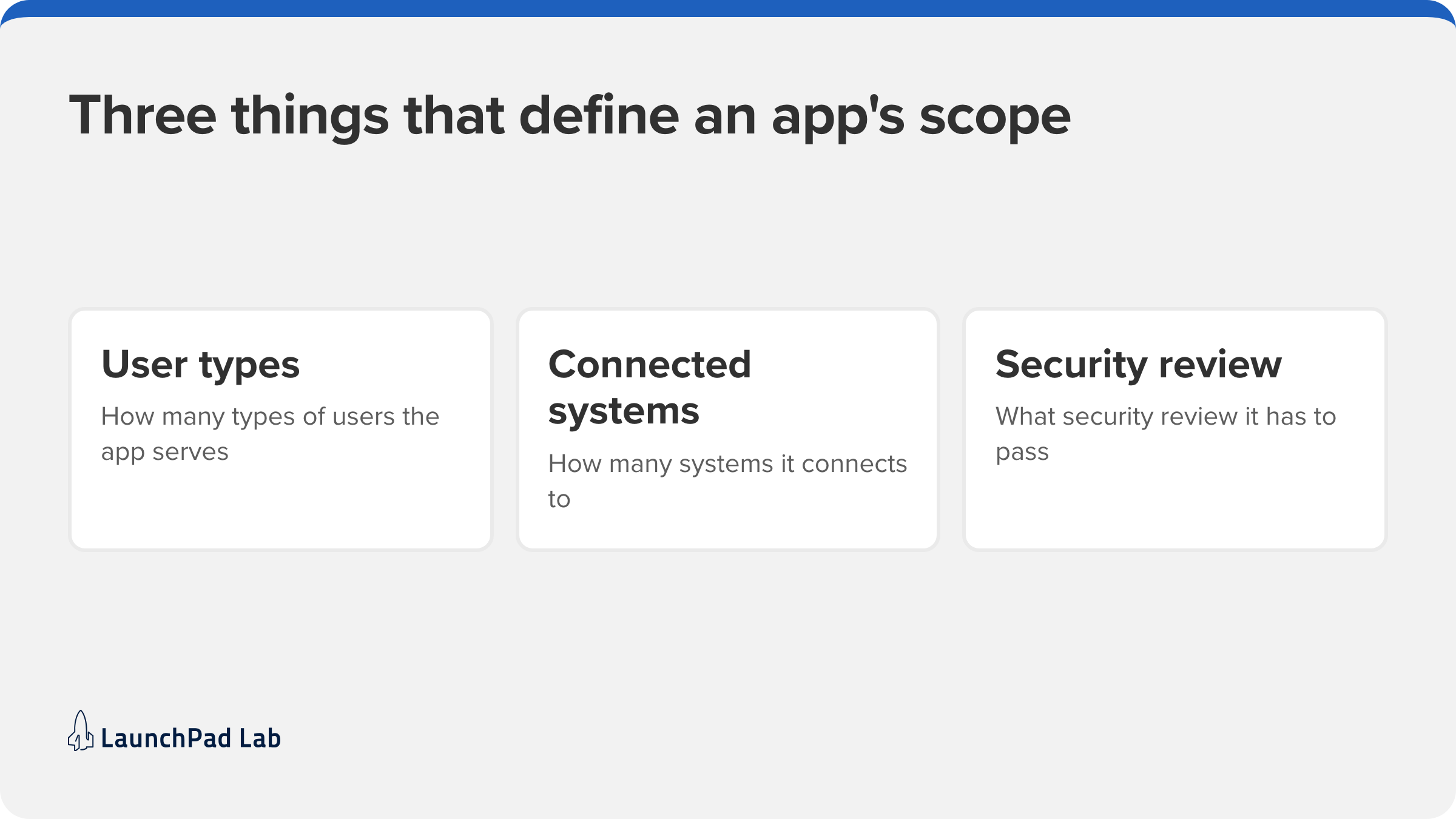
A launch-ready business app runs from about $50,000 for a focused first version to $200,000 or more for an enterprise platform, and scope decides where yours falls. On a business app, three things define scope:
- How many types of users it serves.
- How many systems it connects to.
- What security review it has to pass.
Every band below includes design, development, testing, and project management, so each one is the full price of a launch-ready app.
What each price band includes
| Band | What’s usually in scope | Example of the kind of app |
| MVP or prototype: $50,000 to $100,000 | One core workflow, one or two user roles, a simple admin panel, and few or no integrations | An internal approval or scheduling tool for one team |
| Mid-level app with integrations: $100,000 to $200,000 | Several user roles, connections to a CRM or billing system, reporting, and a polished custom design | A booking and billing app connected to your CRM and payment system |
| Enterprise-grade or highly complex platform: $200,000+ | Single sign-on, several system integrations, role-based permissions, audit trails, and a compliance review | A regulated platform used by thousands of people across many organizations |
If you’ve seen much lower numbers elsewhere, they’re usually for a simpler product: a consumer app with no integrations. These bands are for business software that has to work with the systems you already run, pass a security review, and handle real users from launch. If you’re comparing quotes from a few agencies, here’s what to ask when choosing an app development firm.
How much does enterprise app development cost?
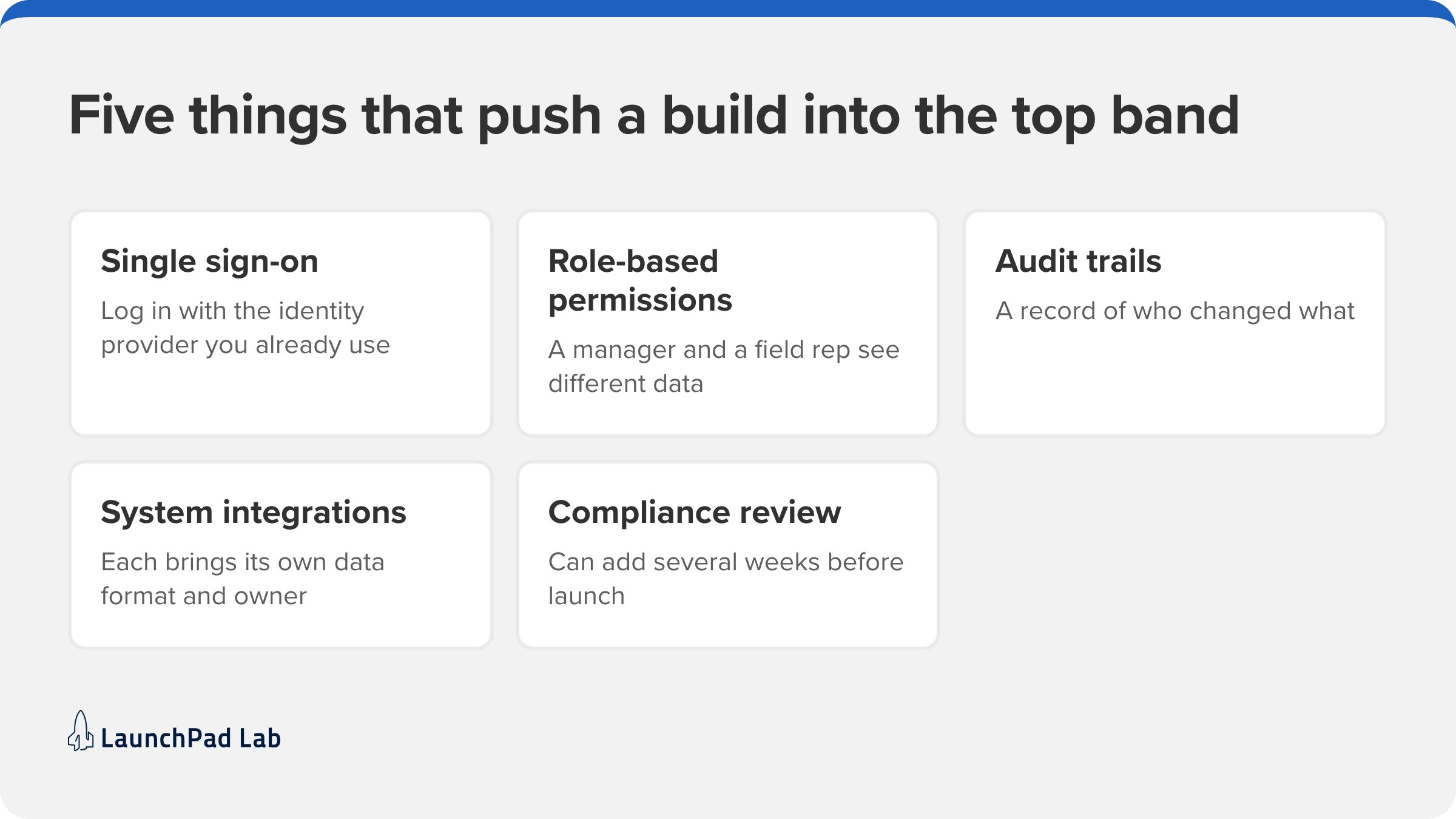
Enterprise app development cost sits in the top band, $200,000 and up, because so much of the work happens behind the screen.
Five things push a build there:
- Single sign-on lets employees log in with the identity provider they already use.
- Role-based permissions mean a regional manager sees different data from a field rep.
- Audit trails record who changed what, which regulated industries need.
- Each extra system integration brings its own data format and its own owner.
- A compliance review before launch can add several weeks to the schedule.
7 factors that drive app development cost
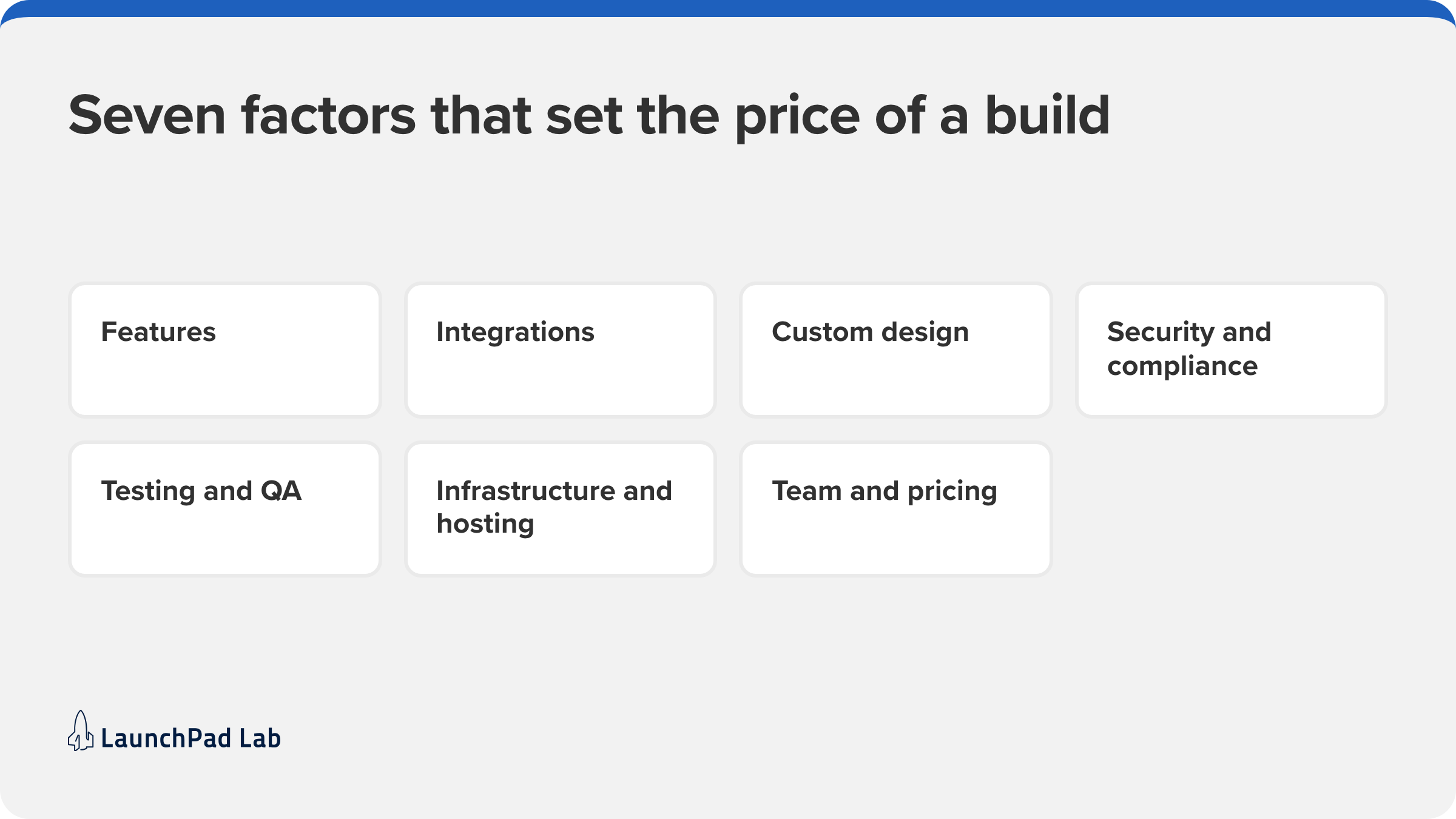
Seven decisions set the price of a build, and you make almost all of them before anyone writes code. Some, like the feature list, are obvious. Others, like the state of your data, only surface when someone looks closely.
1. Features and complexity
The more advanced your app, the more you should expect to invest. A basic app with static content and minimal interactions sits at the lower end. Apps with real-time collaboration, advanced data logic, push notifications, offline capabilities, secure login, and admin dashboards need more development hours, testing cycles, and architectural planning. Every feature adds scope, and together they drive the timeline and the overall cost.
2. Integrations with your existing systems and data
Connecting to Salesforce, a billing system, or a legacy database is where enterprise budgets go. Each integration needs an API, clean data on the other side, and someone who owns that system. Legacy systems are the hardest, because the documentation is often missing. In our estimates, integrations move the number more often than screens do. Many business apps are web platforms built on top of systems like these, and that’s the kind of build our custom web app development team takes on.
3. Custom design and user experience
Design costs more when the interface is built from scratch than when it’s assembled from standard components. Crafting a custom design requires a design team that understands user psychology, accessibility best practices such as WCAG, and responsive behaviors across screen sizes. While it requires more up-front investment, custom design is usually worth it for a customer-facing app, where people choose whether to use it. For an internal tool, standard components are often enough.
4. Security and compliance requirements
If your app handles regulated data, compliance shapes the build. In healthcare, an app that handles patient data for a provider or health plan has to meet HIPAA, the US health privacy and security law. In practice, that usually means encrypted storage, access logs, and a business associate agreement with every vendor that touches the data. Our page on HIPAA-compliant software shows what that work looks like in healthcare.
Apps that handle card payment data must follow PCI DSS, and education apps that handle student records need to support the school’s FERPA obligations. In almost any industry, enterprise buyers also ask for a SOC 2 report, an independent audit of how a company protects customer data.
5. Testing and quality assurance
Quality assurance, the testing that proves the app works before your users find out it doesn’t, takes a real share of the budget. It covers manual test passes, automated tests that run on every change, and testing on the devices and browsers your users carry. The more user roles, integrations, and compliance rules an app has, the more scenarios there are to test. Bugs that slip through are more expensive to fix after launch.
6. Backend infrastructure and hosting
Behind the screens sit the API, the database, the server logic, and the cloud hosting that runs them. Your stack, such as Ruby on Rails or Node.js, affects how fast a team can build and how easy the app is to maintain. Apps that demand high performance and reliability also need scalable cloud services, such as AWS, and monitoring, which add to the infrastructure bill.
7. Who builds it and how you pay them
Who builds your app matters just as much as how it’s built. A team with deep experience in your industry can spot edge cases, anticipate risks, and recommend better solutions while changing the plan is still cheap. That means more predictable timelines and a lower total cost over the life of the app. How you pay matters too. Our Nova delivery model is our outcome-based approach, where clients pay for delivered outcomes rather than hours.
Mobile app development cost: native, cross-platform, or web
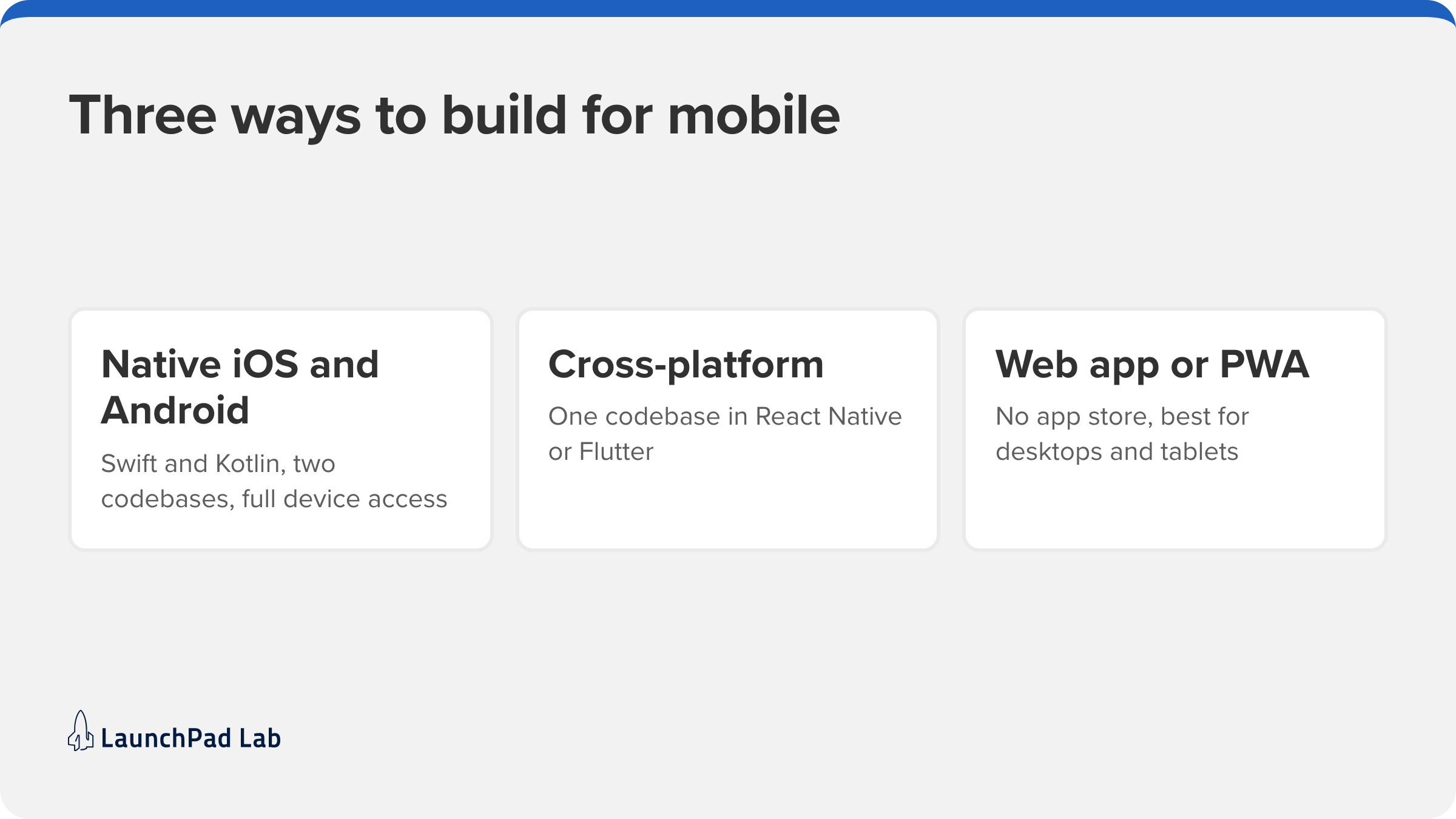
How many codebases you build drives mobile app development costs more than any other choice. Two native apps mean building, testing, and shipping everything twice. One cross-platform codebase removes most of that duplication, and a web app skips the app stores entirely. Which fits depends on your users and the device features you need, and it’s the first call in any mobile app development project.
Native iOS and Android apps
Native apps are written in each platform’s own language: Swift for iOS and Kotlin for Android. You get full device access and the smoothest performance, which matters for apps built around the camera or Bluetooth. You also pay for two builds and two sets of fixes for the life of the app.
Publishing has its own fees. As of 2026, the Apple Developer Program costs $99 a year, and Google Play charges a one-time $25 registration fee.
Cross-platform apps built with React Native, Ionic, or Flutter
Cross-platform frameworks let one team write one codebase that runs on both iOS and Android. React Native uses JavaScript and React, Ionic uses standard web technologies, and Flutter uses Google’s Dart language. All three cost less to build and maintain than two native apps. The trade-off is that some native features need extra platform-specific code, and very graphics-heavy apps may still be better off native. For a typical business app built around forms, lists, and dashboards, cross-platform is where we’d start.
Is a web app cheaper to build than a mobile app?
Usually, yes. A web app runs in the browser from one codebase, with no app store review and nothing to install. A progressive web app goes a step further: it can work offline and sit on a phone’s home screen like a native app. It’s the cheapest route when your users are employees or partners on desktops and tablets.
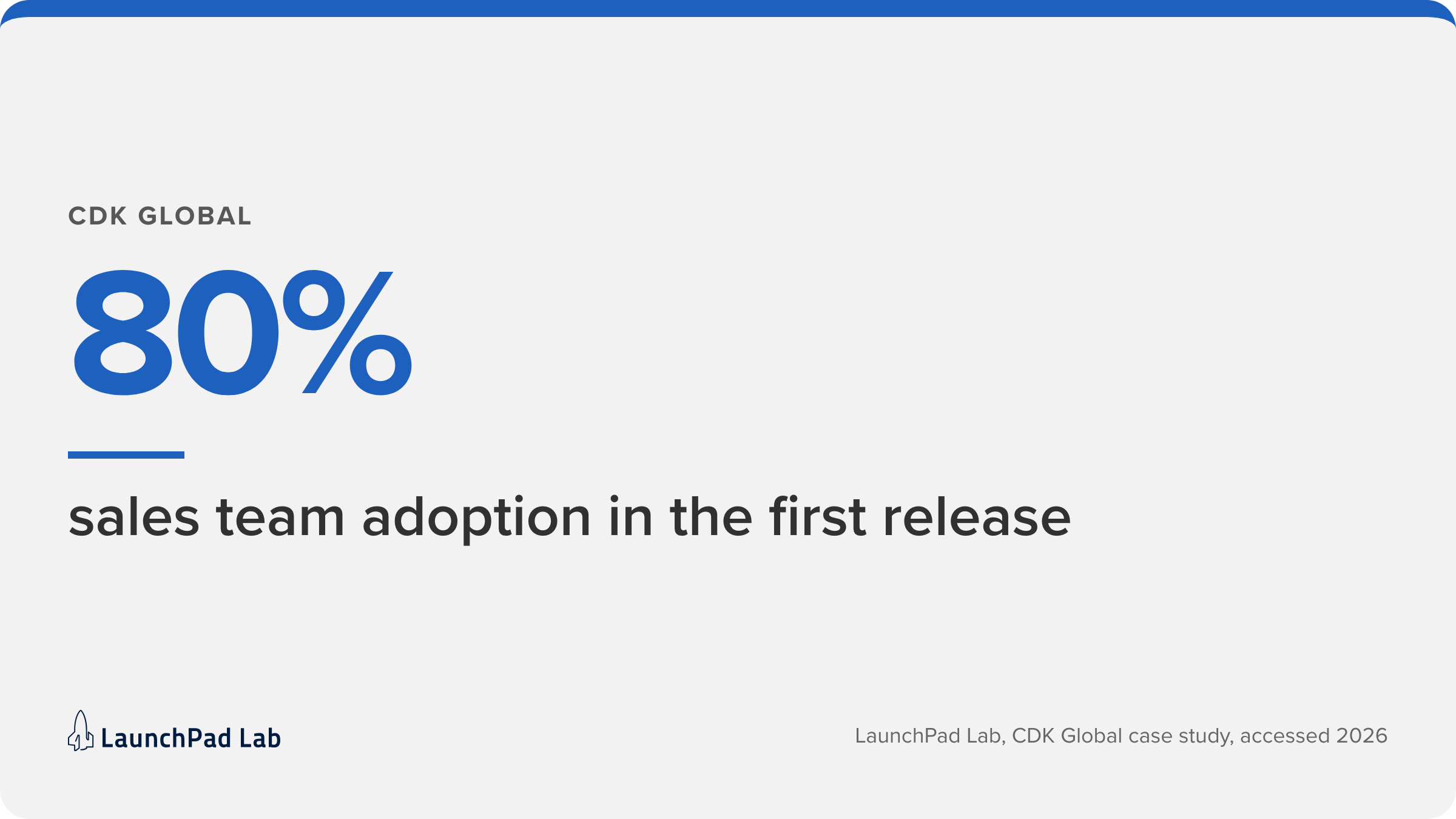
CDK Global is a good example from our own work. Their sales team carried tablets during discovery, so we built the CDK Global sales discovery portal as a progressive web app, which is easier to maintain than a mobile app. Everything a rep captures flows back into Salesforce, and 80% of the sales team adopted it with the first release.
How much does AI app development cost?
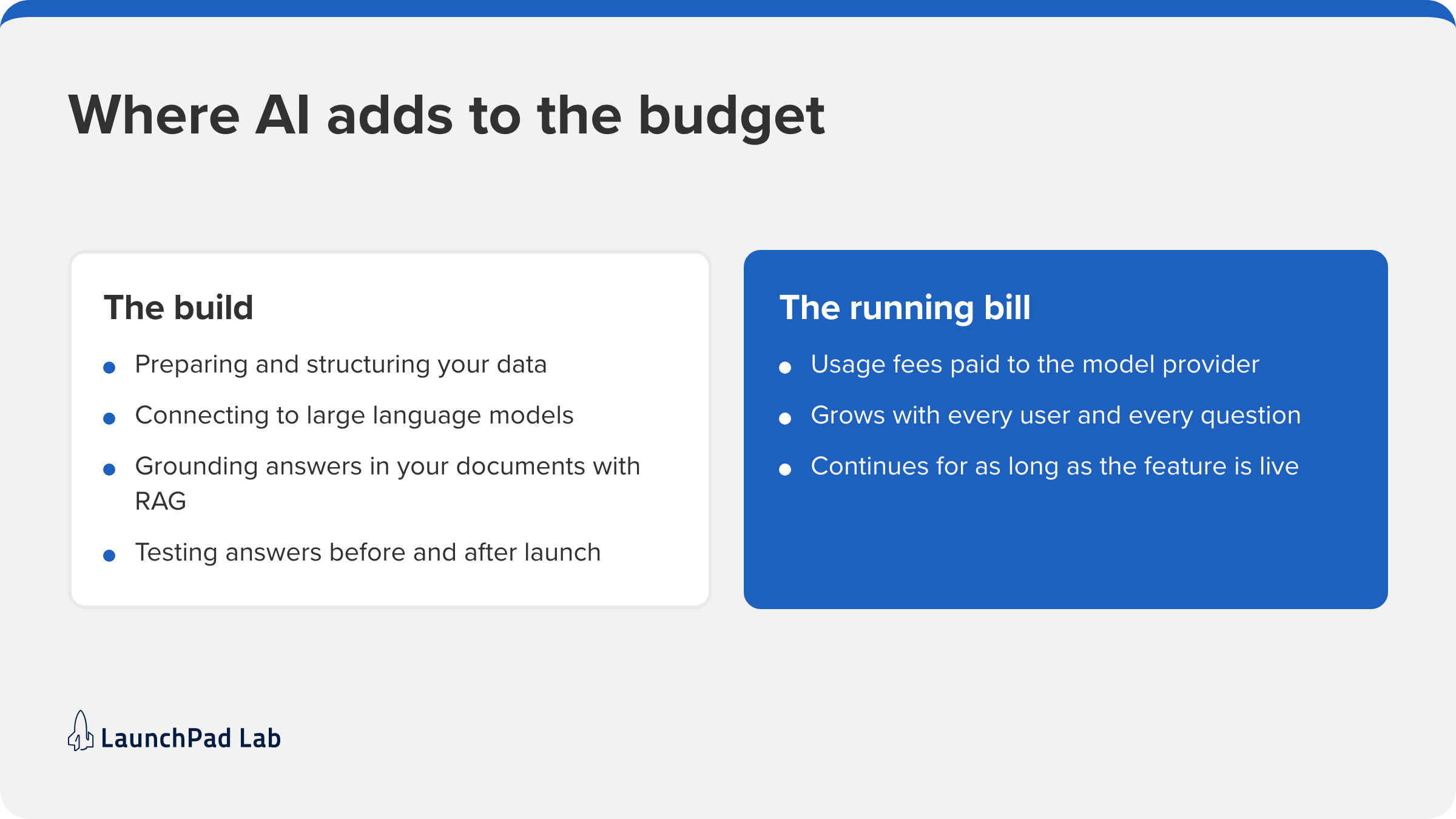
AI features raise an app’s cost in two places. The build pays for preparing your data, connecting to a model, and testing whether the answers are right. The running bill is the usage fee you pay the model provider, which grows with every user and every question and continues for as long as the feature is live.
What AI features add to your budget
When people ask about AI app development cost, they usually mean the build side. Four pieces of work show up in nearly every AI feature we scope:
- Data preparation. Your documents, tickets, or records need cleaning and structuring before a model can use them, and this is often the biggest single task.
- Model integration. The app calls large language models from providers such as OpenAI or Anthropic through their APIs, with prompts, guardrails, and a fallback for when the model is slow or wrong.
- Grounding in your content. Retrieval-augmented generation (RAG) lets the app search your own documents first and pass the relevant passages to the model, so answers come from your data.
- Accuracy testing. Someone has to check answers against real questions before launch and keep checking after, because a model update can change how the app behaves.
Usage fees depend on the provider and your volume. Before you sign, ask any team to estimate them per user per month.
How AI-assisted development changes the build
AI coding tools are also making the build itself faster. Our Nova model is built on them, with senior engineers reviewing what the tools draft before it ships. That approach can get a first release in front of users sooner.
Design, integration mapping, edge-case testing, and code review still take people and time, so the savings come mainly from coding hours. When AI is one feature inside a larger app, such as a support assistant in a customer portal, that’s the kind of project our AI software development team builds.
Off-the-shelf, low-code, or custom: 3 ways to build an app
The best software option depends on two things: how unusual your workflow is, and how long you plan to run the software.
Here’s how the three compare:
- Off-the-shelf software. Faster and cheaper, with limited customization. It works for simple internal tools and for testing an idea quickly. It’s built for general use, though, so it may not fit your workflows and can be hard to scale as your needs change.
- Low-code platforms. Cost-effective for prototyping or launching an MVP. Low-code tools such as Bubble or Microsoft Power Apps let a team build a working app with little engineering, but they can run into limits on flexibility, performance, and integrations as a business grows. They work best as temporary solutions or for low-stakes internal tools.
- Custom development. The most flexible option, with the most long-term value. It costs more up front, but the app is built around your operations, branding, and roadmap, and you control the features, scalability, and user experience.
Compare total cost of ownership over the years you’ll run the app. It adds per-user licenses, workarounds, and the cost of moving off a tool you’ve outgrown, which can outweigh a lower starting price. Our comparison of custom software vs. off-the-shelf works through the full math.
How much does app maintenance cost per year?
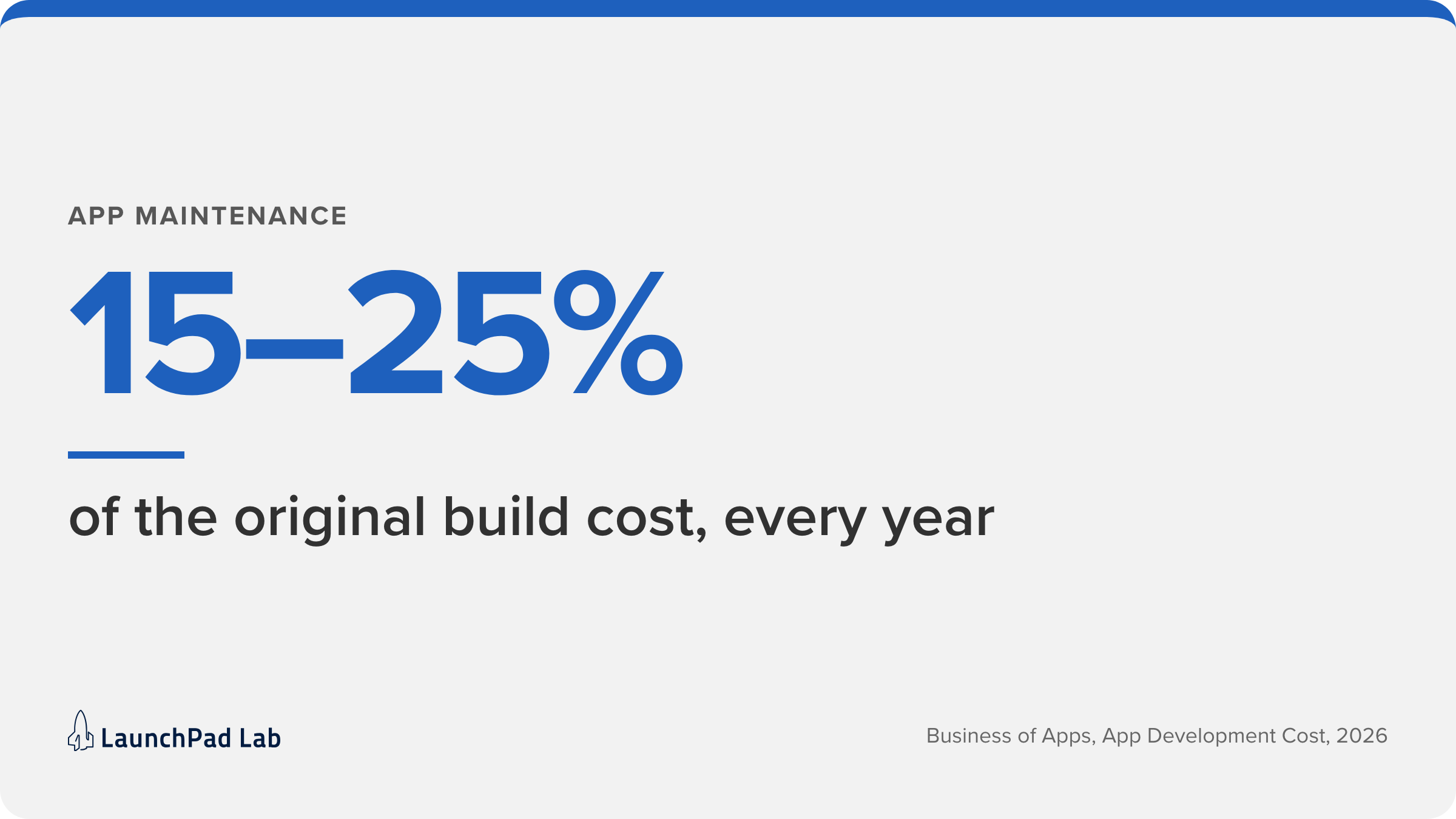
A common planning rule is to budget 15 to 25% of the original build cost every year to keep an app running. Where yours lands depends on how many systems the app connects to, how often you add features, and how much of the upkeep your own team can absorb. The spend starts the month you launch, so it belongs in the same budget request as the build.
That yearly budget usually covers six things:
- Ongoing support and maintenance to resolve issues and keep the app up.
- Performance monitoring and bug fixes to keep the user experience smooth.
- Feature enhancements driven by user feedback and analytics.
- Infrastructure, including hosting, security, and third-party services such as AWS or Stripe.
- Operating system updates, since Apple and Google ship a new version of iOS and Android every year, and older code can break.
- App store fees, including the yearly Apple Developer Program renewal.
Skipping upkeep builds technical debt, the shortcuts that make every later change slower and more expensive. Someone has to own the app after launch. If your team can’t, that’s what our managed support and enhancement service is for.
4 ways to keep app development costs under control
The biggest savings come from decisions made before and during the build. These four steps work with whichever team you hire. Each one lowers the chance of paying twice for the same feature.
1. Start with a discovery phase
A discovery phase is a short stretch of work before the build. The team clarifies business goals, checks what users need, and picks the features that matter for release one. This early investment prevents scope creep, surfaces hidden risks like an integration nobody documented, and makes sure the build solves the right problem.Every build we run starts with a discovery phase. Clients who want a deeper, structured version can begin with a paid Blueprint Workshop, which typically takes the place of that discovery phase so the team can move straight into production.
2. Launch an MVP, then expand
A minimum viable product is the smallest version of the app that real users can use for the core job. Launching one first lets you test your assumptions with real usage before you pay for the full feature list. What users actually ask for then shapes the second release.
3. Reuse proven frameworks and components
Proven frameworks like Ionic and Ruby on Rails, plus reusable components for login, payments, and admin panels, cut build time without cutting quality. Save the custom work for the parts that make your business different. This roundup of programming frameworks for app development compares the common options.
4. Pick a pricing model that matches your risk
A fixed price works when the scope is clear and stable. It caps your spend, but every change becomes a change order, and teams often add a buffer for risk. Time and materials bills for the hours actually worked, which gives you room to change course but leaves the overrun risk with you. Outcome-based pricing is a third option, tying payment to delivered results.
Turn your app budget into a build plan
App development cost is easier to defend when every number has a reason behind it. The next time someone asks “how much does it cost to develop an app?”, you can answer with a band and explain where you sit in it. Adjust the band for what moves it: the systems the app connects to, the compliance rules that apply, the platforms you need, and whether AI is part of the product. Add a yearly line for upkeep, and choose a pricing model that puts the risk where you can manage it.
Looking past the price tag to how the app needs to function keeps the budget from surprising you later. If you’d like a second opinion on an estimate or a scoped plan, talk to our team.
Frequently asked questions
How long does it take to build an app?
The timeline follows scope, the same way cost does. Three of our builds show the spread. Prepmedians launched its test prep platform in 8 weeks. Digital Dental Solutions shipped a HIPAA-compliant app in under 3 months. Kawasaki’s engine replacement app reached the market in 4 months.
What is the cheapest way to develop an app?
For a simple internal app, an off-the-shelf tool or a low-code builder is the cheapest route. For a custom app, the cheapest path is a tightly scoped minimum viable product built around one core workflow. If you outgrow the tool, you’ll have to pay for a rebuild, which can cost more than building it properly the first time.
How much does it cost to hire an app developer per hour?
US app development rates typically hover around $100 an hour, per Business of Apps (2026). The rate is a weak way to compare teams, because a team that knows your industry can need far fewer hours at a higher rate.