The tool your team uses every day was probably the right call when you bought it. It fit the company you were then, at the size you were then, for a price that made the decision easy. Custom software vs off-the-shelf is rarely a fresh question. It’s usually one you’re revisiting, because the first answer expired while headcount, process, and your other systems all moved on.
Comparisons you will find stop at the tradeoffs, and the tradeoffs aren’t really in dispute. What almost nobody talks about is the part that shows up later: which choice quietly taxes you for years, and what the warning signs look like first. At LaunchPad Lab, we’ve built custom systems and stood up off-the-shelf ones for clients who then had to live with the result.
You’ll get a straight recommendation, the conditions that overturn it, and five questions that make the call defensible to whoever has to approve it.
TL;DR
- Buy off-the-shelf by default. A vendor has already solved the common functions better.
- Build custom only when the workflow itself is what your customers pay you for.
- The signal to build is a workaround that quietly became official policy.
- Real cost is per-seat growth, integration, admin time, and exit.
- Hybrid suits mid-market companies: buy the commodity layer, build the differentiating layer.
- AI-assisted delivery moved the line on what’s economical to build.
What’s the appeal of off-the-shelf software?
Off-the-shelf software appeals because someone else already paid for the hard parts, which is why buying is the right call wherever your business isn’t unusual. The product exists. The bugs are found and fixed. The compliance work is done. You can be running this quarter instead of next year, and for common work, that trade is worth taking.
When vendors talk about off-the-shelf software, they’re usually referring to COTS (commercial off-the-shelf software). These are turnkey products built for a broad audience, then sold to thousands of companies across the globe with the very same feature sets.
In 2026, COTS platforms are typically delivered as SaaS (Software as a Service). You pay a subscription to access the software, instead of installing anything on your on-prem servers. The alternative is custom web application development, where the software fits your workflow instead of the other way around.
Most businesses already rely on off-the-shelf software like Salesforce for CRM, QuickBooks for accounting, Slack for internal messaging, and Shopify for ecommerce. There’s broad appeal in going down the off-the-shelf route. When the software you buy already serves most of the business needs, then it can be hard to justify spending more time and money on custom-built software.
Why consider custom software?
You should consider custom software when the way you work is what makes you money and no vendor sells it. Custom software, sometimes called bespoke software, is built for one business rather than for a market. The three major benefits of custom software are structural rather than featural.
- You own the roadmap. When you own the codebase, you own the schedule, so a change in operational needs in March happens in March, instead of joining a vendor’s backlog behind a thousand other customers.
- The data model matches your operation. Configurable software makes you express your process in a vendor’s vocabulary: their objects, their statuses, their idea of an approval. Where your process is ordinary, that translation costs nothing. Where it isn’t, the gap becomes the workarounds your team invents.
- The software changes when the business does. Not when a vendor decides. That is the benefit that compounds, and teams underrate it until they need something the vendor will not build.
There is a caveat. Ownership is a bill as well as an asset, and you take on the maintenance, patching, hosting, and roadmap calls a vendor used to make. In the projects we’ve shipped, the teams happiest with a custom build are the ones who budgeted for year two as carefully as they budgeted for launch.
Custom software vs off-the-shelf: the key differences at a glance
If you take one thing away, take these eight tradeoffs. Two carry the weight. Off-the-shelf costs less to start and more to keep as you grow. Custom costs more to start, then bends to your process rather than the reverse. The details get nuanced in any particular custom software vs off-the-shelf decision, but these hold up in the real world. Start here, then each section that follows takes one option at a time.
| Dimension | Off-the-shelf software | Custom software | Which way this points |
| Upfront cost | Low | Higher | Buy, unless a build pays back inside three years |
| Three to five year cost | Subscription grows with headcount | Build, then a steadier run cost | Buy while small, model it again as you grow |
| Deployment speed | Fast start | Longer runway | Buy when the need is now |
| Flexibility | Configurable within vendor limits | Changes when you decide | Build only where those limits bind |
| Scalability | Scales inside the vendor’s bounds | Scales with the business | Buy unless growth breaks the pricing model |
| Data ownership and control | Shared control with the vendor | Full control of access and data | Build when a regulator or contract requires it |
| Maintenance | Vendor owned | You own the upkeep | Buy, unless you can hire the capacity |
| Competitive advantage | The same tool competitors run | The workflow is the differentiator | Build only here |
6 signs you have outgrown your off-the-shelf software
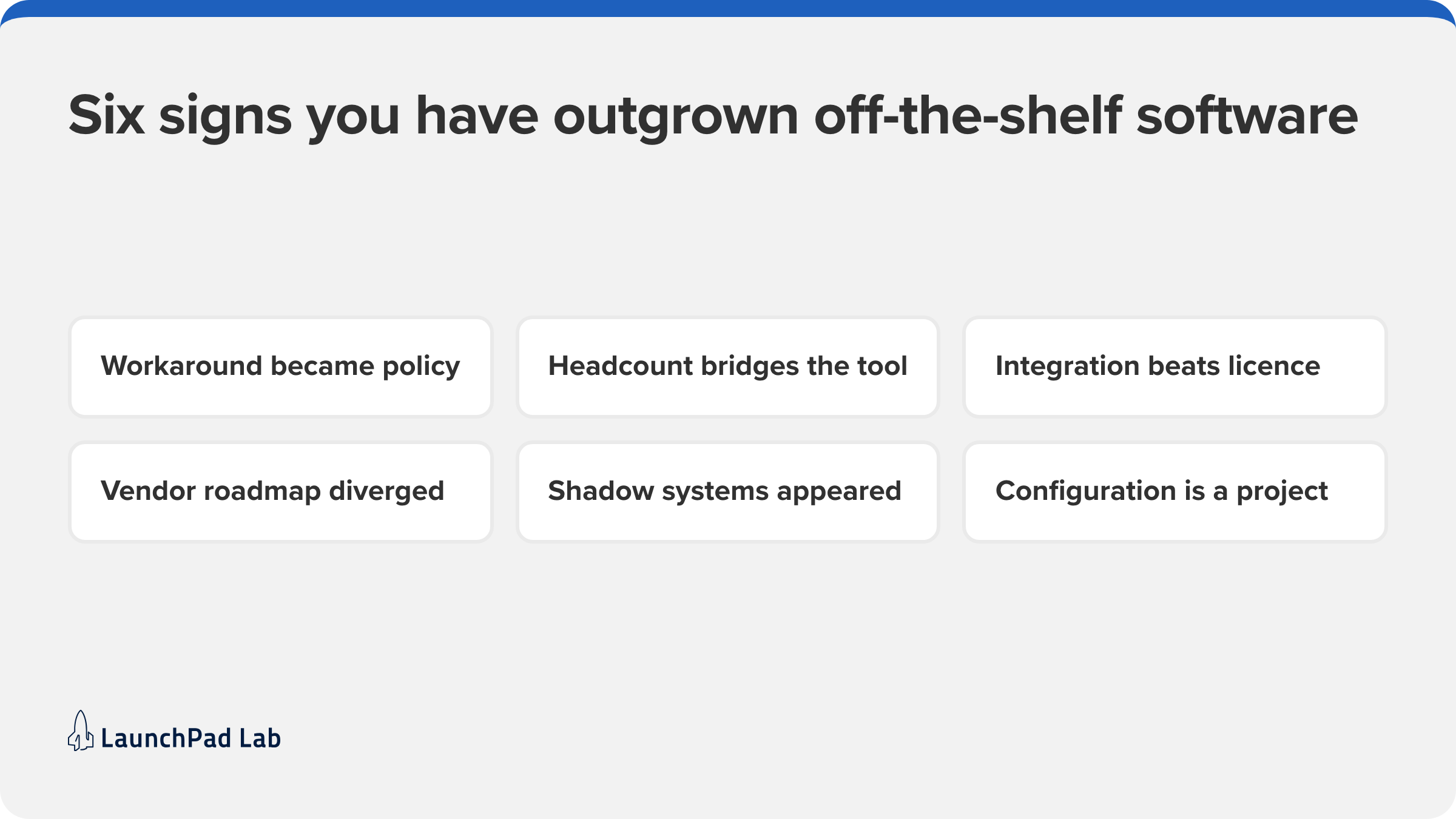
You’ve outgrown off-the-shelf software when the cost of making it fit starts to rival the cost of replacing it. That point arrives quietly, as workarounds and headcount rather than as a failure anyone reports. Here are six signs worth watching, and any two together usually settle it.
- The workaround became policy. Someone wrote the export-to-spreadsheet step into the onboarding doc, and the reporting everyone trusts is now built from that download rather than from the system.
- You added people to bridge the tool. A coordinator whose real job is moving data between two systems is a salary line the software created.
- Integration spend passed license spend. When connectors, middleware, and contractor time cost more than the subscription, you’re paying for custom work without owning any of it.
- The vendor roadmap stopped matching yours. You’ve submitted the same request across three renewals, and it’s still described as planned.
- Shadow systems appeared. Someone built a spreadsheet or a low-code app to do the job the official tool was bought for, and it is now load-bearing.
- Configuration became a project. Changing a status or an approval path now needs a specialist, a sandbox, and a release window. That’s the cost profile of custom software without the ownership, and the sprawl underneath it is technical debt with a friendlier name.
None of these alone means build. Two or three together signal that the people routing around the tool have already decided, and you’re only choosing whether to make it official.
Buy first when the work is common
Buying is the right default for any function where your business works the way other businesses work. Accounting, payroll, CRM, messaging, ticketing, and time tracking are solved problems, and the vendors selling them have had years of customers to get them right. Building one yourself means paying to rebuild what you could license this afternoon.
Buy when three or more of these are true:
- A competitor could run your version of this process on the same tool and barely notice.
- It’s a function you want to be competent at, not one you want to be known for.
- You need it working this quarter, and waiting carries a cost.
- Nobody wants to own the patching, the uptime, and the upgrade path for five years.
- The vendor’s defaults are close enough that you’d adopt them rather than fight them.
A mature product also hands you an industry default, refined by thousands of customers who tried the alternatives first. Inheriting it usually beats the process you’d have designed.
The risk of buying shows up when you force the tool to do a job it was never designed for, then call the result a software problem.
Build when the workflow is the product
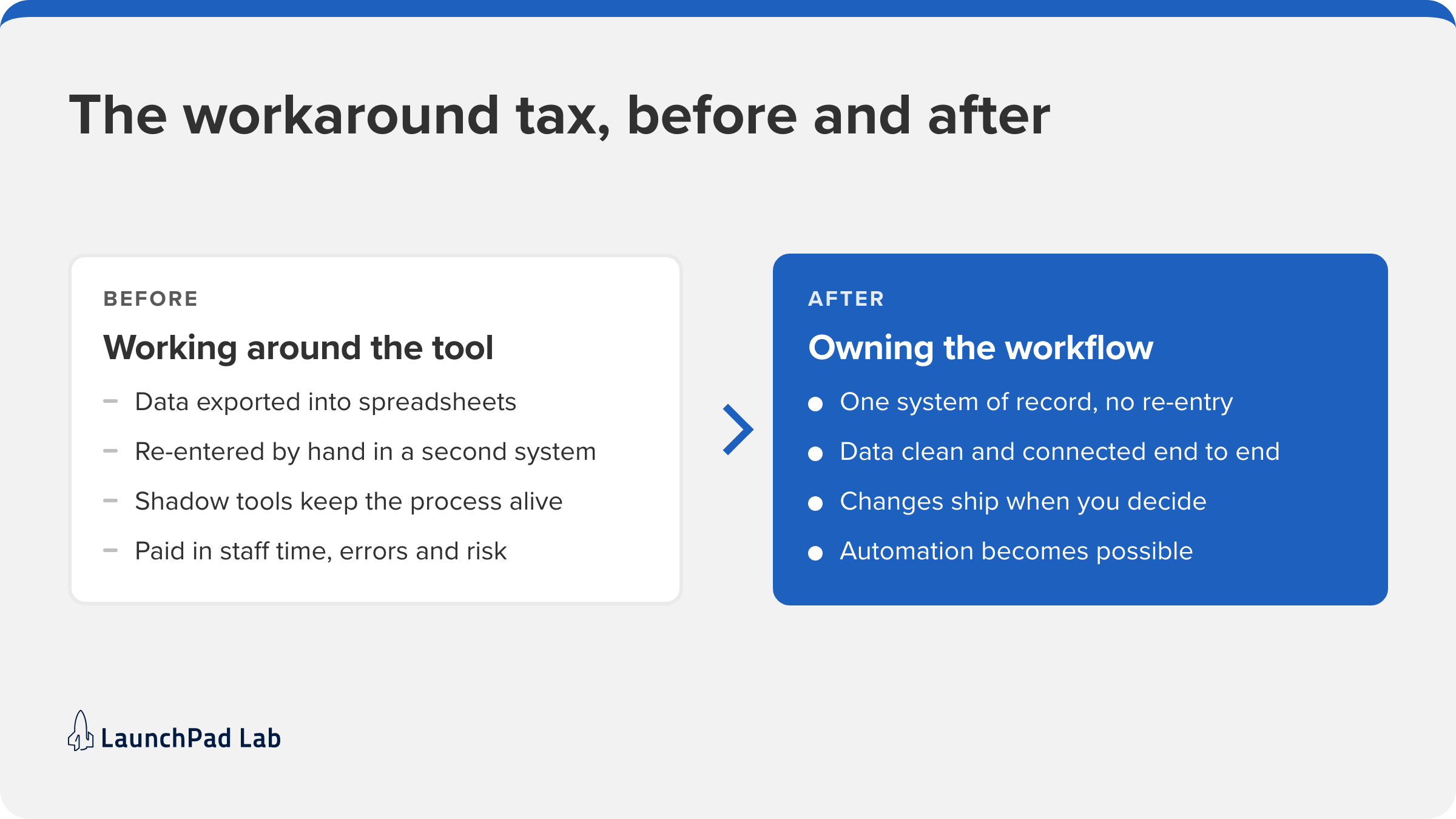
Build when the workflow is what customers pay you for. If the sequence of steps, the rules around them, and the data they produce are what make you different from a competitor, reshaping that sequence to fit someone else’s product gives away the difference. That is the test, and it is narrower than teams assume.
The everyday version is the workaround tax. If your team is exporting data, re-entering it in a second system, or standing up shadow tools to make the official one work, you’re already paying for a custom build. You’re just paying in staff time, error rates, and security exposure.
Two of our own projects are clean examples.
- Kawasaki Engines needed a self-service portal for 7,700 dealers, where the dealer relationship, the ordering rules, and the warranty flow were the business rather than a generic commerce funnel.
- Bullhorn needed a self-service hub serving 10,000 staffing firms.
In both, a packaged product could have handled part of the job and none of the part that mattered.
There is a further reason to get this call right now. Agentic AI and automation only work on clean, connected data, and you can only guarantee that on a workflow you control. If automation is anywhere on your roadmap, the build-or-buy decision underneath it decides whether automation is possible at all.
What it actually costs over three years
The build vs buy software comparison is usually run as one number against another, which is exactly why it misleads. Off-the-shelf cost means the subscription multiplied by growth, plus integration, plus the internal time spent administering it, plus what it costs to leave. Custom cost means the build plus the run that follows it.
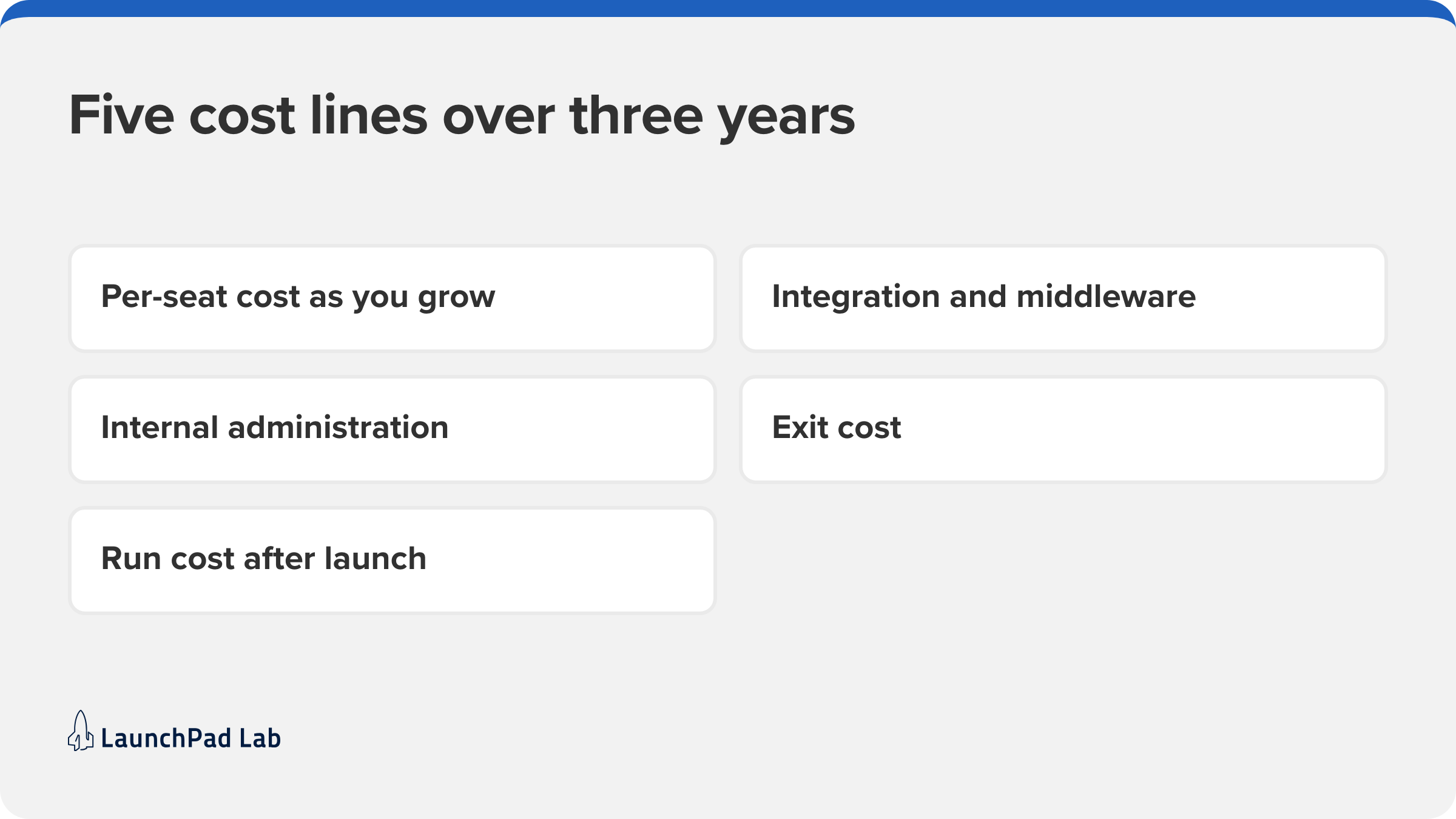
Total cost of ownership is the only frame that makes the two comparable, and it has to run at least three years to mean anything. One year flatters buying. Ten years flatters building. Five cost lines decide it:
- Per-seat cost as you grow. The license model you signed was priced for the company you were. If it scales with headcount, seats, or transactions, your cost curve is set by your own success.
- Integration and middleware. Connecting a bought tool to the rest of your stack is a project with its own cost, and it recurs whenever either side changes. This is where API rate limits stop being technical details and become budget lines.
- Internal administration. Someone configures the tool, manages permissions, runs upgrades, and answers questions about it. That time is real whether or not anyone tracks it.
- Exit cost. Leaving means data extraction, retraining, and rebuilding every integration that pointed at the old system. Vendor lock-in is measured by the size of that number, and it grows every year you stay.
- Run cost after launch. A custom system needs hosting, monitoring, patching and a roadmap of its own. Budgeting only to launch is the most common reason a build gets called expensive.
Why can’t it be both? The hybrid approach
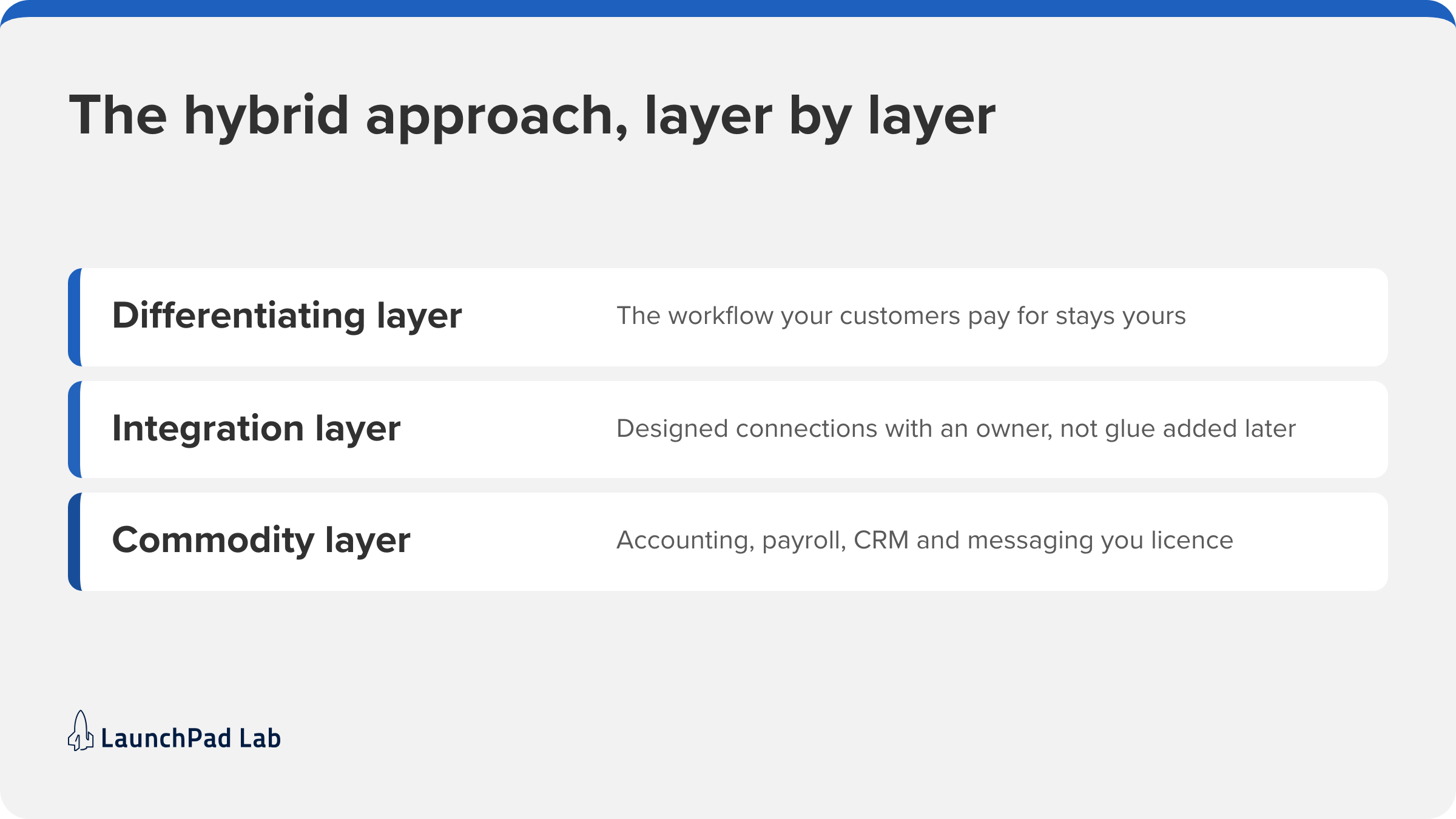
It usually is both. The pattern that works for mid-market companies splits the stack by what actually differentiates you, then treats the joins between the halves as designed software rather than as glue. Getting there on purpose is what separates a hybrid stack that works from one that merely accumulates.
In practice that means three decisions:
- Buy the commodity layer. Accounting, payroll, and messaging go to vendors, because your version of them would not be better.
- Build the differentiating layer. The workflow your customers pay for stays yours, with your data model and your rules.
- Integrate deliberately. Give the connections an owner and a design, rather than letting them accumulate under deadline.
Modern APIs make that more practical than it was, but the hybrid approach fails in a predictable place, which is the seams. The 2025 Connectivity Benchmark from Salesforce and MuleSoft found the average enterprise now runs 897 applications with only 29% of them integrated. The trouble is the silence between those apps, which is why hybrid stacks can feel worse than either pure option when nobody owns the connections.
So hybrid is usually the answer, and the work is choosing which layer is which.
Five questions to ask before you decide
Five questions settle this faster than any feature comparison, because features are a sales surface and constraints are real. Answer them about one function at a time, not about your company as a whole. Organizations should buy for nearly every function and build for the few that differentiate them. Knowing which those are is the decision.
- Is this a differentiator or a commodity? A differentiator: build, even when the other four answers point the other way. A commodity: buy, and stop here.
- What does three to five years cost each way, including exit? If nobody has modeled it, you aren’t ready to decide. A week of modeling is cheaper than either mistake. If the build side is the half you can’t estimate, that’s what our Blueprint workshop is for.
- How unusual is the workflow really? If a competitor could run it on the same tool with minor configuration, it isn’t unusual, whatever your team believes. If explaining it to a vendor takes an hour, then it is unusual.
- Can you own software, or buy the capacity to? No in-house engineers doesn’t end the conversation, but it changes the path: buy, or build with a partner who’ll be there in year three.
- How fast do you need this working? Weeks means buy and revisit. Quarters means a build is viable. If the answer is yesterday, buy now and treat it as a stopgap you chose deliberately rather than drifted into.
So which one should you choose?
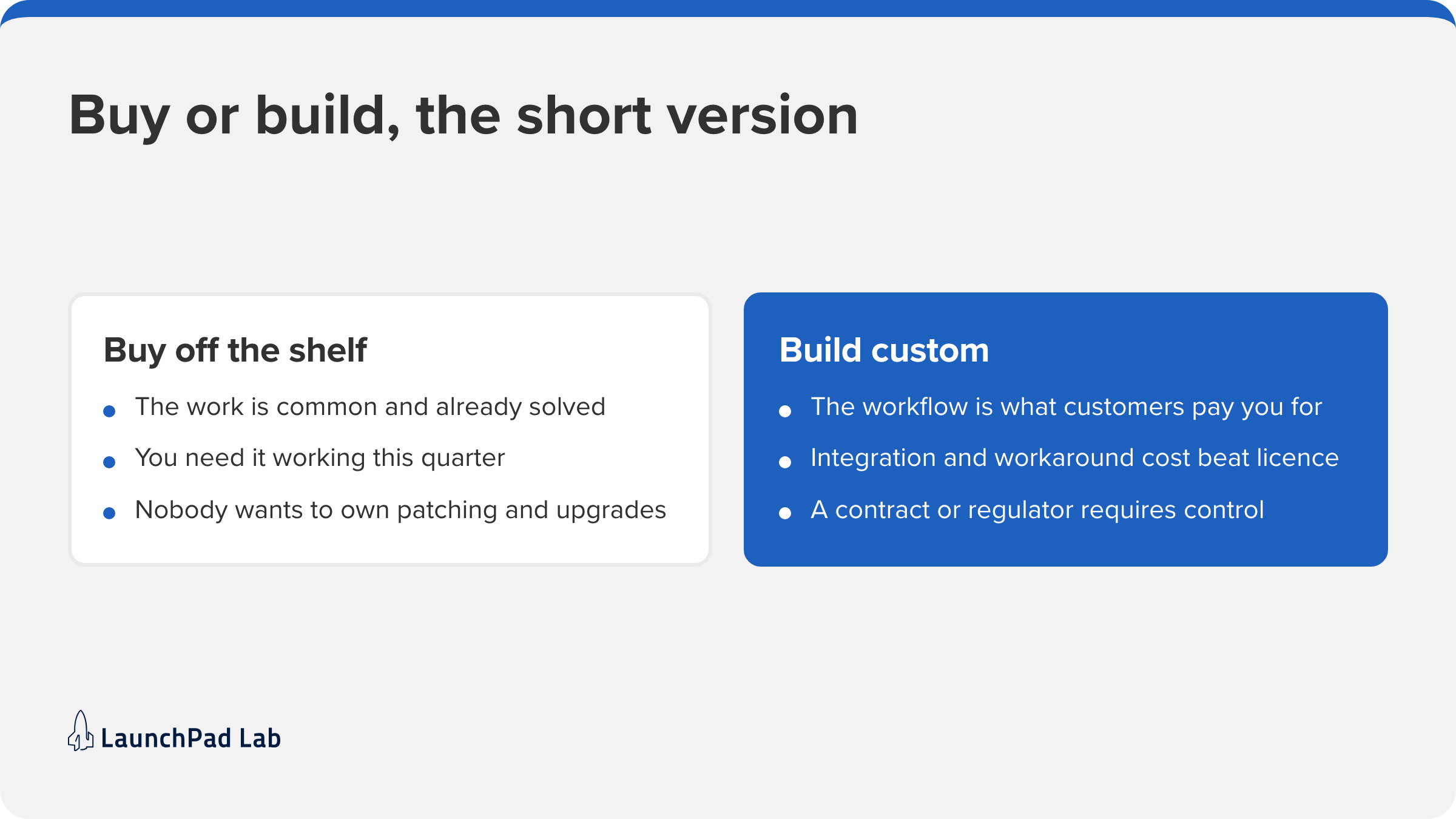
Build when the workflow is the product. That is the call worth getting right, because a wrong answer compounds: every year you shape the business around someone else’s software, the gap between how you work and what your tools allow gets wider.
Three conditions point to build.
- The workflow is what customers pay you for.
- Integration and workaround costs have passed license costs.
- A contract or regulator requires control a shared platform won’t give you.
Everything else, buy.
For nearly everyone, the answer is hybrid, with custom reserved for the layer that makes the business different. If you’re weighing custom software vs off-the-shelf on a specific system, start a conversation with LaunchPad Lab and bring the system, the workarounds, and the renewal date. If the call is build, a Blueprint Workshop is where scoping a custom build starts.
Frequently asked questions
What does off-the-shelf software mean?
Off-the-shelf software is a ready-made product built for a broad market and sold to many companies with the same feature set, usually as a SaaS subscription. You configure it; you don’t build it.
What does custom software mean?
Custom software is built for one business around its own workflow, data model, and rules. You own the codebase and the roadmap, and you carry the maintenance that comes with them.
How much does custom software development cost?
Cost depends on scope, integrations, and security needs, so any figure quoted before discovery is a guess. Three variables move it: how many systems it connects to, how clean your data is, and how novel the workflow is. A Blueprint Workshop replaces the range with a number in just a couple of weeks.
Can off-the-shelf software be customized?
To a degree. Platforms allow four kinds of change: configuration, plugins, integrations, and API access. What they don’t allow is altering the data model or the core logic. If a change needs a specialist and a release window, you’ve left configuration behind.
How long does it take to build custom software?
An MVP usually takes weeks to a few months, and a full platform takes longer. Two variables decide it: scope, and how much data has to move from the system you’re replacing. Moving ten years of inconsistent records often outweighs building the software that will hold them.
What are the risks of custom software development?
Four risks matter: Scope creep, because nobody agreed where the build stops. Unclear ownership, because two teams each assume the other decides. Stakeholders who never agreed what the software is for. And maintenance, the one teams forget, because a custom system needs hosting, monitoring, patching, and a roadmap after launch.
What happens if my vendor goes out of business?
You can lose support, updates, or access, and it happens often enough to plan for. Four protections matter before you sign: a contractual data export in a usable format, your own backups, source code escrow where it’s offered, and a documented exit plan.
Is custom software more secure than off-the-shelf?
Not automatically. Security depends on who designed and built the system, not on which model you chose. A reputable SaaS vendor invests more than a mid-market company can, and carries certifications like SOC 2 you’d otherwise fund. Custom gives tighter control over access, data residency, and audit trails.
What is the difference between off-the-shelf and proprietary software?
Three terms get mixed here. Off-the-shelf describes how software is sold to many customers at once: NIST defines commercial off-the-shelf as software that already exists and is available from commercial sources. Proprietary describes who holds the rights, and off-the-shelf products are usually proprietary because the vendor owns the source. What matters to you is whether your business owns the codebase and the roadmap.
What are the advantages of off-the-shelf software?
Lower upfront cost, a fast start, and maintenance somebody else performs. You also inherit a product shaped by a decade of other companies’ edge cases, usually better than the process you’d design for a function you don’t specialize in. And you are typically live in days or weeks rather than the months a build takes.
What are examples of off-the-shelf software?
Salesforce for CRM, QuickBooks for accounting, Slack for messaging, Shopify for ecommerce, Workday for HR, and ERP platforms generally. Each covers a function where businesses differ very little from one another. If you can name four competitors running the same tool at no disadvantage, that function is a buy.
What is the honest tradeoff between custom-built and off-the-shelf?
You trade speed and shared cost for fit and ownership. Off-the-shelf has you running in weeks, at a price split across every other customer the vendor has, and your process bends to the product. Custom takes months, costs more up front, and bends the product to your process. Two questions decide which trade is right: how unusual your workflow is, and how long you will live with the result.
Our off-the-shelf software doesn’t do what we need. Should we build something custom?
Not yet. First, separate two cases: the tool can’t do it, or it can, and nobody configured it. If it genuinely can’t, ask whether the gap sits on a workflow your customers pay you for. If not, replace the tool. If it does, that’s when a custom build is worth scoping, usually after the workarounds have outlasted two renewals.