Someone on your team copies details from emails into your customer relationship management (CRM) system every week, and leadership wants to know if process automation could take that work away. It probably can. The harder question is which process to start with, and what happens at a volume nobody tested.
You’ve probably heard that almost anything can be automated. At LaunchPad Lab, we build the software automations run on, and we’ve rebuilt the ones that couldn’t keep up once the volume arrived.
You’ll leave with a plain answer to “what is automation?” that you can repeat to your team, plus a readiness test for your own process.
TL;DR
- Process automation uses software to run a repeatable business process, with people handling exceptions and approvals.
- Scripts and robotic process automation (RPA) handle fixed steps. AI agents can read emails and PDFs, but need a human check.
- Good first candidates for operations automation are high-volume jobs like onboarding, invoicing, and loan intake.
- A process is ready when it’s written down, and exceptions are rare; otherwise, fix it first.
- At scale, automation breaks in four places: exceptions, integrations, volume spikes, and silent failures.
What is automation?
At its core, automation is the use of technology to perform tasks with little or no human intervention. Machines take the repetitive, rules-based work, so your people can focus on work that needs judgment. It can be one repeated step or an entire workflow, digital or physical.
Ask ten business leaders what automation means, and you’ll hear ten answers: robots, AI, scripts, or RPA. In an office, it takes over the approvals, data entry, and system handoffs your team does daily. When that work spans a whole process, it’s called process automation.
What is process automation, and how does it work?
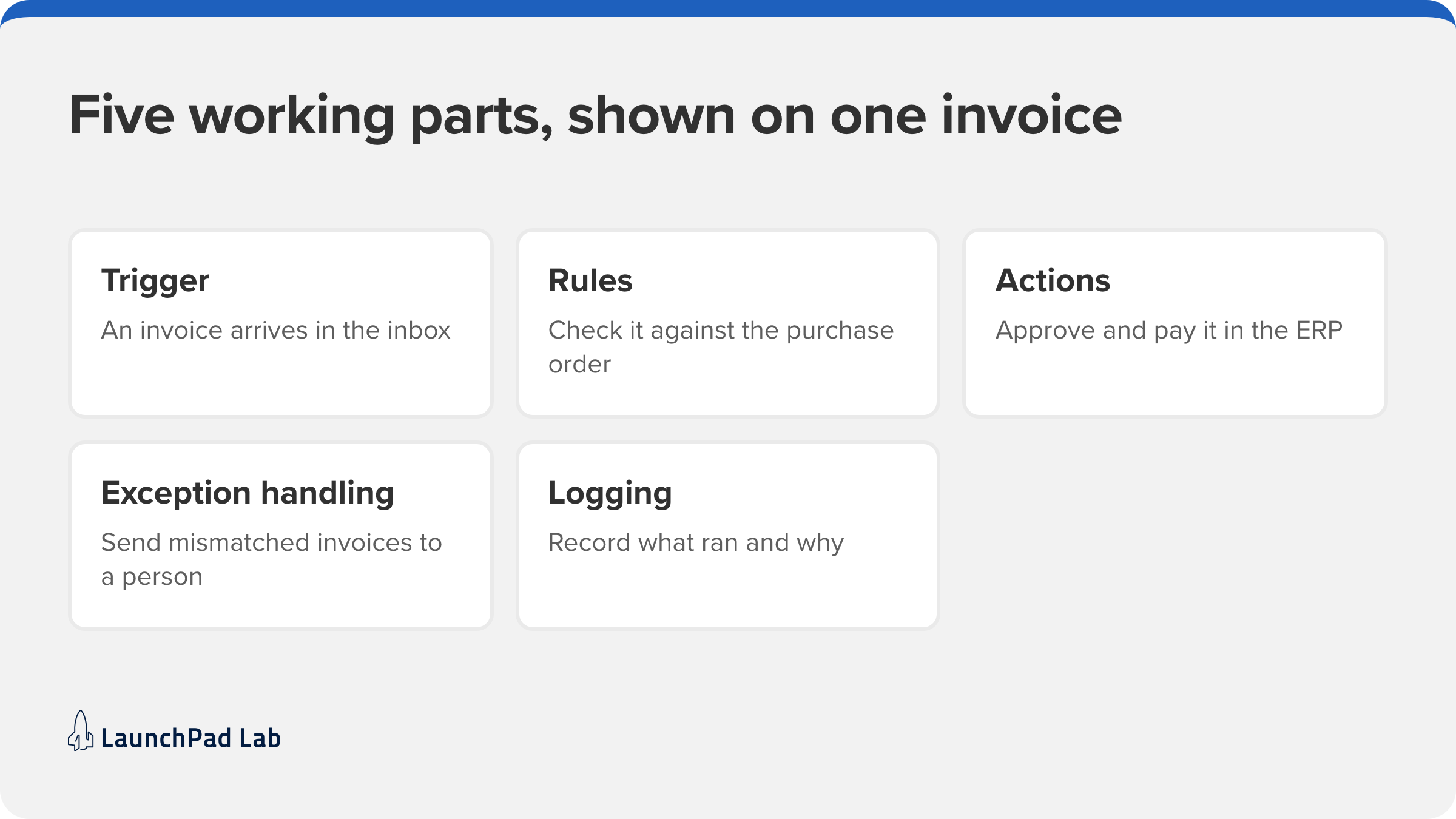
Process automation is the use of software to run the steps, rules, data, and system handoffs of a recurring business process. People still handle the exceptions and approvals. The rest runs on its own.
It has five working parts:
- A trigger: a submitted form, an incoming email, or a changed CRM record.
- Rules, or a model, that decide what happens next.
- Actions in connected systems through an application programming interface (API), like creating an order in your enterprise resource planning (ERP) system.
- Exception handling that routes the odd case to a person instead of guessing.
- Logging, so someone can see what ran and why.
Automating one task saves a few minutes, like a macro that copies an invoice total into a sheet. Business process automation takes the whole invoice from the inbox it lands in, through approval, to payment, and sends mismatched invoices to a person.
Off-the-shelf tools cover the common cases. When your process runs across a CRM, an ERP, and an older system that don’t talk to each other, then you need to build that connecting layer. That’s the work our AI automation services team does.
What are the types of automation?
Whatever a business can automate falls into one of the following five types:
| Type | What it does | Typical example | Where it struggles |
| Basic task automation | Runs one step on a trigger, using scripts, macros, or low-code connectors | A Zapier zap copying form entries to a sheet | More than a few steps |
| Robotic process automation (RPA) | Bots click through screens the way a person would | A UiPath bot re-keying invoices into a system with no API | Screen changes |
| Workflow automation | Routes tasks and approvals between people and systems | Routing purchase requests to approvers | Steps outside the tool |
| Business process automation | Runs an end-to-end process across departments, often managed in business process management (BPM) software | Order-to-cash | Needs a stable, mapped process |
| Intelligent automation and AI agents | Large language models read unstructured input and choose the next step | Reading emailed documents into the CRM | Confidently wrong without review |
In a real process, these types of automation work together. A workflow routes an invoice, an RPA bot keys it into an older system, and an AI agent reads the one that came in as a scanned PDF. Orchestration coordinates those handoffs so each step passes work to the next.
Why process automation matters: consistency, speed, and capacity
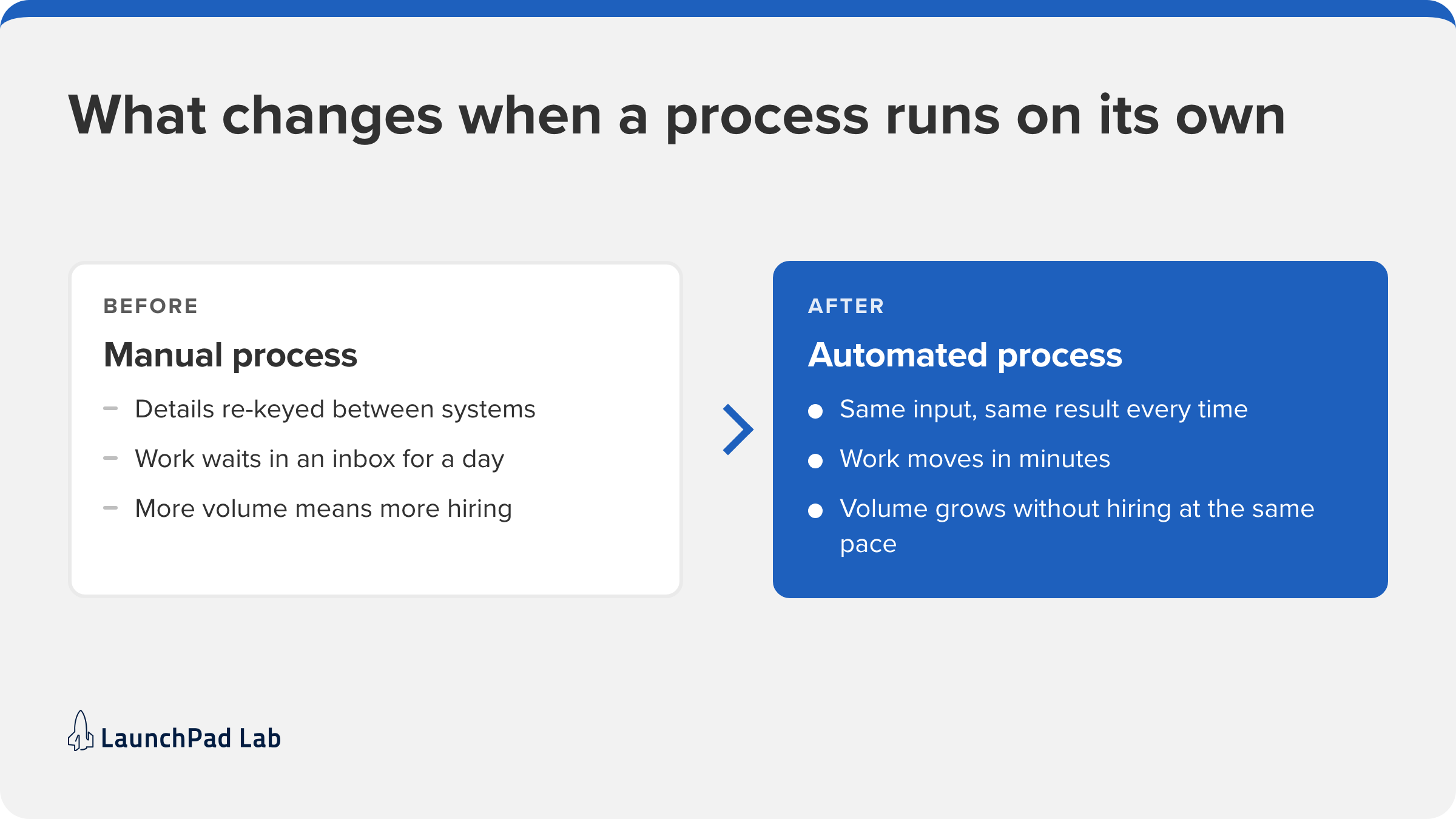
Automation pays off in three ways:
- The same input gets the same result every time, so re-keying errors disappear.
- Work that sat in an inbox for a day moves in minutes.
- Volume can grow without hiring at the same pace.
None of that comes from the tool alone. McKinsey’s State of AI survey (2026) found that nearly three-quarters of AI high performers had fundamentally redesigned their workflows, up from 55 percent the year before. So the first decision is which process deserves that redesign.
What are examples of process automation? 6 common use cases
If you’re looking for a first candidate, start with work your team repeats every day and could explain to a new hire in a page. These are the operations automation use cases where that’s usually true.
1. Customer onboarding
Information capture, document checks, account setup, and welcome emails run without anyone chasing them. Customers get to value faster, and nobody re-keys their details.
2. Order processing and fulfillment
Automation checks stock, coordinates fulfillment, generates the invoice, and updates the customer. Fewer orders stall between steps, and cash comes in sooner.
3. Finance and accounting
Invoice matching, expense processing, and purchase order (PO) approvals run on rules instead of manual reconciliation. In regulated financial services work, this is where software and automation stop being separate projects.
4. HR operations
Onboarding, provisioning, offboarding, and benefits changes follow one checklist every time. That keeps HR compliant and frees the team from admin.
5. IT service management
Ticket triage, password resets, and user provisioning get resolved or routed automatically. Requests close faster, and IT gets hours back.
6. Loan and application processing
Document intake, data extraction, record matching, and status updates run without anyone retyping an application. Applications reach a decision faster, with fewer data-entry errors. We built this for a consumer lender, parsing emailed loan documents straight into Salesforce.
When should you automate a process?
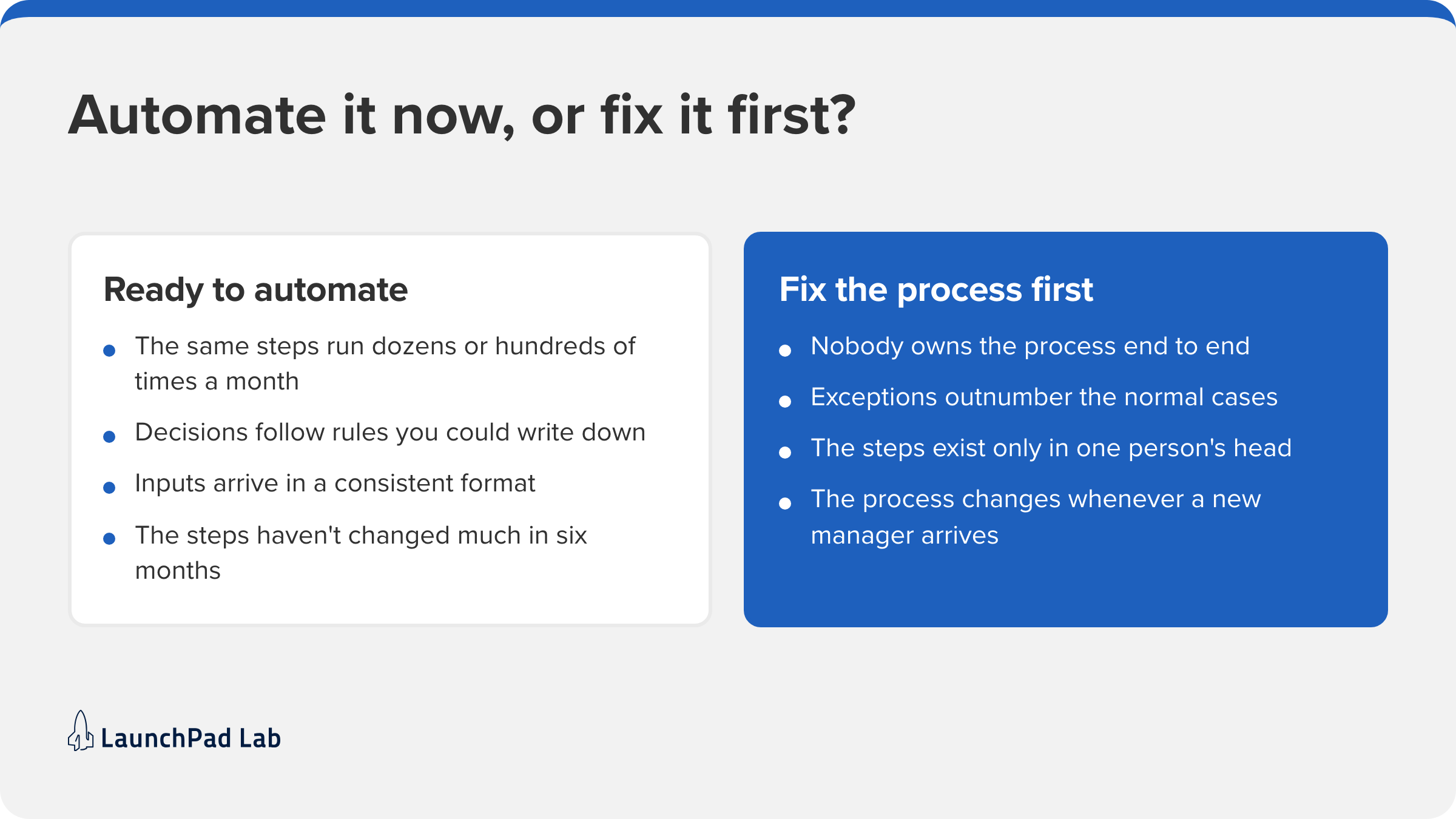
The right candidate is repeatable, high-volume, rule-driven, and stable, and its inputs arrive in a predictable format. If the steps change every month, nobody owns it, or the exceptions pile up, fix the process first. Automation copies whatever you give it, including the parts that don’t work.
Signs a process is ready to automate
You’re probably ready if these hold:
- The same steps run dozens or hundreds of times a month.
- Decisions follow rules you could write down.
- Inputs arrive in a consistent format, like a form.
- The steps haven’t changed much in six months.
Signs you should fix the process first
Hold off if these sound familiar:
- Nobody owns the process end to end.
- Exceptions outnumber the normal cases.
- The steps exist only in one person’s head.
- The process changes whenever a new manager arrives.
Before you choose a tool, map the process and count its exceptions for a few weeks. Picking the first process is often the hardest call, and it’s where our AI consulting work comes in, where we help you choose what to automate before anything gets built.
Where does process automation break down at scale? 4 signs to keep an eye on
A pilot runs on clean data and modest volume, so it rarely shows where an automation will fail. The real test comes with the edge cases and the busy days. These four are worth planning for before launch.
1. Exceptions outgrow the rules
Rules cover the cases you saw at build time. Volume brings the rest, like a form with a missing field. Without exception handling that sends those cases to a person, the automation stalls or guesses. Good governance means someone reviews that queue and turns repeat cases into new rules.
2. Integrations hit timeouts and rate limits
Lamacchia Realty, a real estate brokerage we worked with, hit this. Leads synced from Salesforce to AWS and back through API calls. As the roster grew toward 500 realtors, the sync hit timeouts, rate limits, and data errors. We moved the logic into a dedicated app, and the daily misassignments stopped.
3. Volume spikes past what the system was built for
Some processes get one enormous day. In the first year of Empower Illinois’ scholarship program, a vendor’s application site crashed minutes after launch. We shipped a replacement application site in two weeks, built to handle more than 100,000 applications per minute. Size the system for its busiest hour.
4. Nobody notices when it silently stops
An automation that fails without an alert keeps producing wrong results. Give every automation a named owner, alerts on failures and unusual volume, and human-in-the-loop review wherever a wrong output is expensive. The people who used to do the work often spot problems first, so tell them who to call.
Will RPA be replaced by AI?
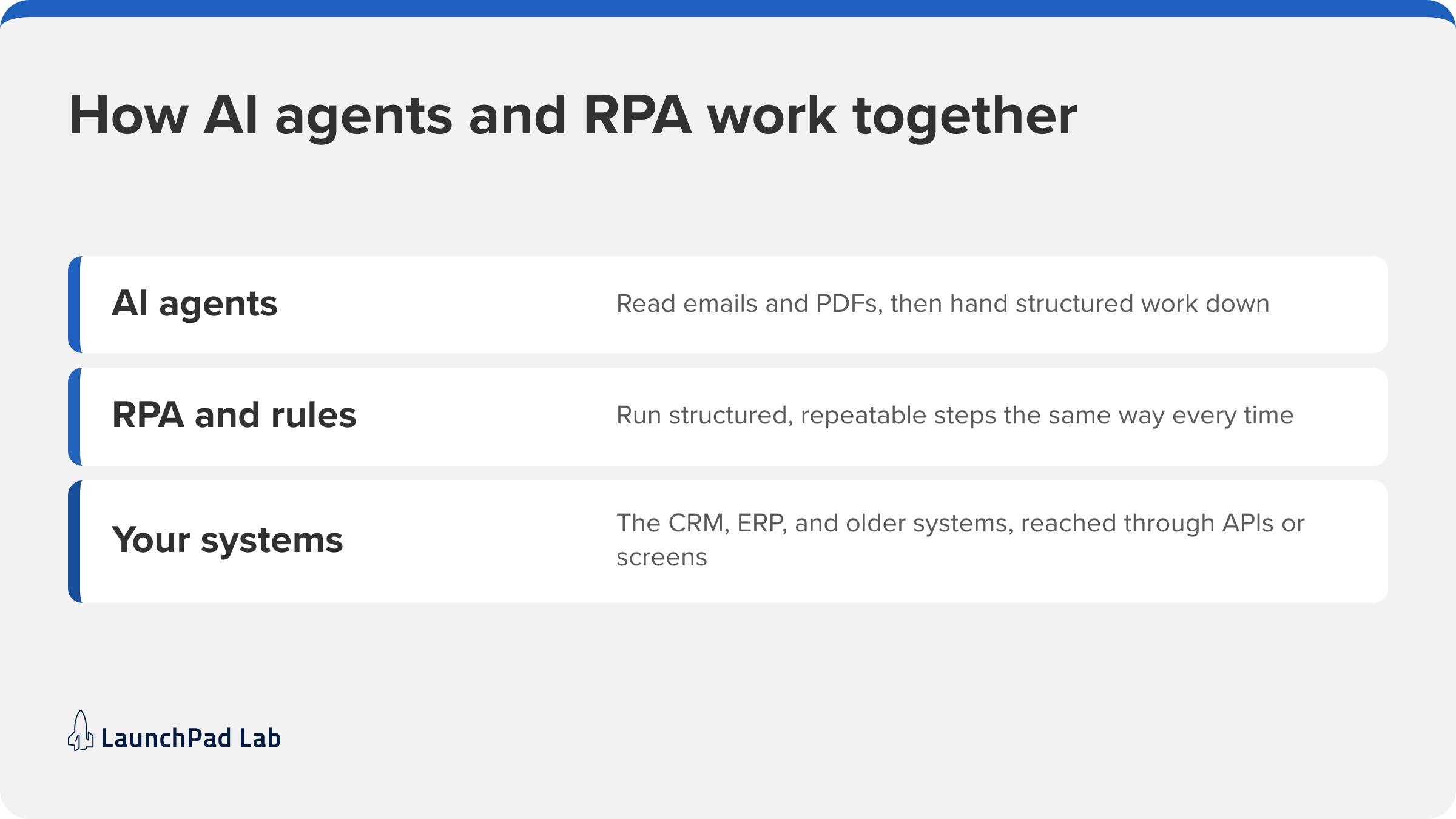
No. The two types of automation are converging. RPA and rule-based automation stay the reliable layer for structured, repeatable steps. AI agents built on large language models take the steps that involve unstructured input, like an email or a PDF, then hand back to that layer.
McKinsey’s 2026 State of AI survey found that 40 percent of respondents at large organizations report scaling AI agents, up from 27 percent a year earlier. Our guides to AI business automation and AI agent workflows go deeper. When a step needs judgment rather than a rule, that’s where our AI agent development team usually starts.
Start with one process you can measure
The clearest answer to “what is automation?” for your team comes from one process. Pick one that’s repeatable and has an owner. Measure how long it takes and how often it goes wrong today, then automate it and measure again.
Plan the exceptions before launch, name the person who owns the automation, and decide which alert will tell you it has stopped. One measured process is easier to defend than a plan for ten, and it gives you real numbers. Those numbers are what you’ll bring when you ask for the next process automation budget. If you’d like a second opinion on where to start, talk to our team.
Frequently asked questions
What is the simplest form of automation?
The simplest form of automation is a rule-based trigger and action, like a scheduled script, a spreadsheet macro, or an email filter. It runs one step the same way every time. Low-code tools such as Microsoft Power Automate and Zapier build these without code.
What is automation in business?
Automation in business means using software to handle workflow steps such as approvals, invoicing, and handoffs between a customer relationship management (CRM) system and an enterprise resource planning (ERP) system. It’s separate from industrial automation, which runs machines on a factory floor, and it usually starts with one or two high-volume processes.
What are automation services?
Automation services are outside help to find, build, and run automations for you. The work covers three jobs: choosing what to automate, building the integrations, and monitoring the results. Our guide to business process automation services covers how to compare providers.
What is automation in IT?
Automation in IT means using scripts and tools to run routine IT work, like patching servers and backing up data, without a person handling each request. A common first step is a runbook that restarts a stalled service when a monitoring alert fires.
How can I automate a process?
Start by writing down each step and who owns it. Pick the type of automation that matches how predictable the inputs are, and use business process management (BPM) software to map and track the flow. Then pilot it on one team for two to four weeks.